Self-Hosting
What is self-hosting?
Running, hosting, and serving the various services we use on the internet on your own machine — that’s what we call self-hosting. Instead of using Google Keep as a note-taking app, Google Photos to host photos, LastPass as a password manager, etc., you host the usually open-source equivalent applications on a server you own or rent.
Why?
I started doing this about 12–13 years ago. Back then I had a web server on cPanel. I started installing small apps there. For example I installed and started using Piwik (today called Matomo) to do what Google Analytics does. The cPanel server could only host PHP apps, and since it was shared, resource usage was limited.
So especially for torrent stuff, I started using Put.io, which was popular at the time and gave free service for a long while. When that service ended its promotional period and raised prices, I looked for an alternative. My first goal was a server that could do the torrent download/upload work that’s not possible on PHP. For that I used cheaper VPS (Virtual Private Server) options. These also fundamentally give you a slice on virtualisation software like VirtualBox or VMware Workstation, so resources are still limited and shared.
After using VPSs like this for a long time, I noticed the torrent clients I connected to were generally hosted on OVH. While researching I came across an OVH-affiliated company called Kimsufi. Kimsufi generally serves older servers with limited customer support. So they offer — still, as far as I know — the cheapest dedicated servers (an entire physical server is yours). At the time of writing this I’m still using Kimsufi’s KS-3 plan at $9.99/month (or €7.99).
How to use it
When I first set up my server, I installed every app on a Linux distribution myself. The downside: app updates and maintenance became a big problem. Two apps might depend on different versions of Python and conflict with each other. When one app has an issue, all your services are affected. Restarting a service tied to one app affects another. You end up needing to reboot the system more.
Then I came across software that lets you bulk-install these services. With them, you install a Linux distribution like Ubuntu, and post-install you can deploy every app you need without configuration hassle. Let me mention them first.
A footnote: to learn about and follow self-hosting developments, follow the [selfhosted]-tagged packages on GitHub and the r/selfhosted subreddit.
- For a long time I used QuickBox. This app aims to build a seedbox — a torrent send/receive server.
 QuickBox panel
After install it gives you a URL where you can see server details. From there you can install various apps you need. If this is your first time setting up something like this, the simple install and minimal touch make it a good fit.
But after using QuickBox for 4–5 years, I started running into problems when I needed apps that QuickBox didn’t include. It supports the apps listed here and you can install them easily; outside that, installing and running something else is hard — it wasn’t built for that. As I mentioned at the start, installing your own password manager, file manager, photo manager gets hard.
- After my server configuration broke during one of these issues, while looking for an alternative I used Cloudbox. It uses Ansible to automate app installation, and builds your server automatically on Docker containers. The downside was that its ready-made packages were mostly oriented at seedbox-building. Docker was a convenience, but the absence of a UI for managing Docker containers and the server meant doing everything from the shell — a real disadvantage.
There are several services in this space; check the Self-hosting Solutions section of the awesome-selfhosted repo on GitHub. I also briefly tried YunoHost from this list — it works well when you stick to apps in its own store, but as soon as you want to run your own Docker-hosted apps it can be finicky.
What I’m using now
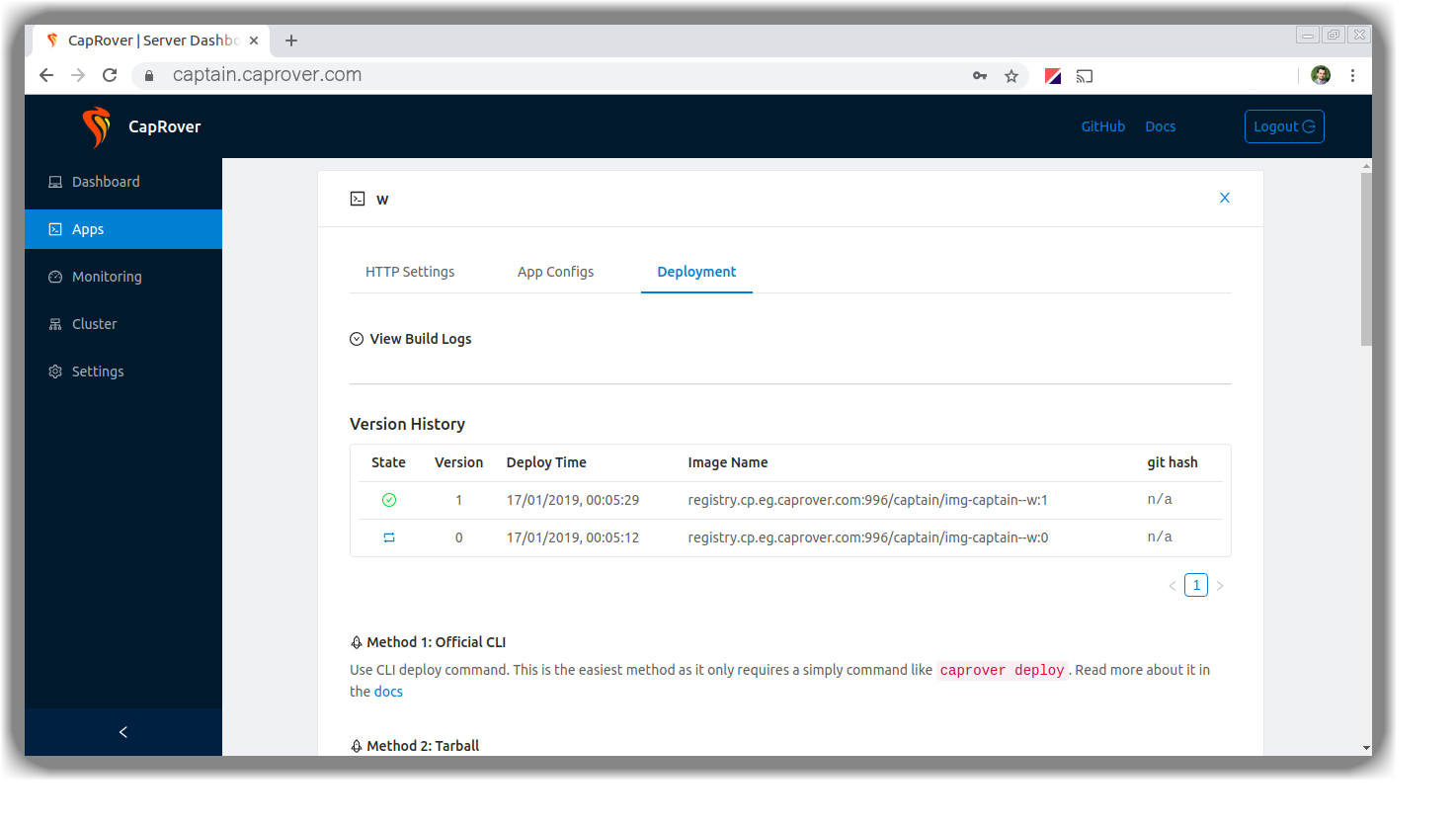 CapRover (formerly CaptainDuckDuck)
The umbrella app I landed on is Caprover. Previously named CaptainDuckDuck, it later got renamed Caprover. It positions itself as a self-hostable alternative to Heroku.
A small detour on Docker (I’ll write a separate post about it later). What solved the application-version-conflict problem I hit on QuickBox was Docker. Fundamentally, it runs the app you want inside pre-built tiny virtual computers. By keeping only the “data” persistent, you can move, update, and run the app in multiple places. The application’s core files can’t be damaged or corrupted. Backups become much easier.
There’s a Caprover demo to play with here (password: captain42). You can create your own Docker container or pick apps from its constantly-updated own app store. When installing apps from the store there’s almost zero friction; when installing another Docker image, the UI is still very easy. You can also create your own app store on GitHub and use that, and you can contribute to Caprover’s official store. The store apps are defined via Docker-Compose-style YAML files.
Without a tool like Caprover, hosting Docker containers yourself means you have to handle port forwarding yourself. Say you have two web services. Both need ports 80 and 443. You can only bind those ports to one container at a time outside Docker. Caprover’s letsencrypt and nginx containers handle this automatically for you, auto-generate xyz.yourdomain.com style subdomains, and one-click let you serve them over https using your own Let’s Encrypt certificate.
It also lets you, with a bit more skill, build a docker cluster and host your services across multiple servers when one isn’t enough. Especially via Docker Hub, I can find an incredible range of apps and run them in minutes. Backup is also easy through the same UI.
What can I run?
Below I’ll list Docker-based apps I’ve tried on Caprover. You can run most of them outside Docker too, but for the reasons above Docker was much more convenient. The awesome-selfhosted repo mentioned earlier has a much more comprehensive list — here I’ll mostly cover services I’ve actually tried myself.
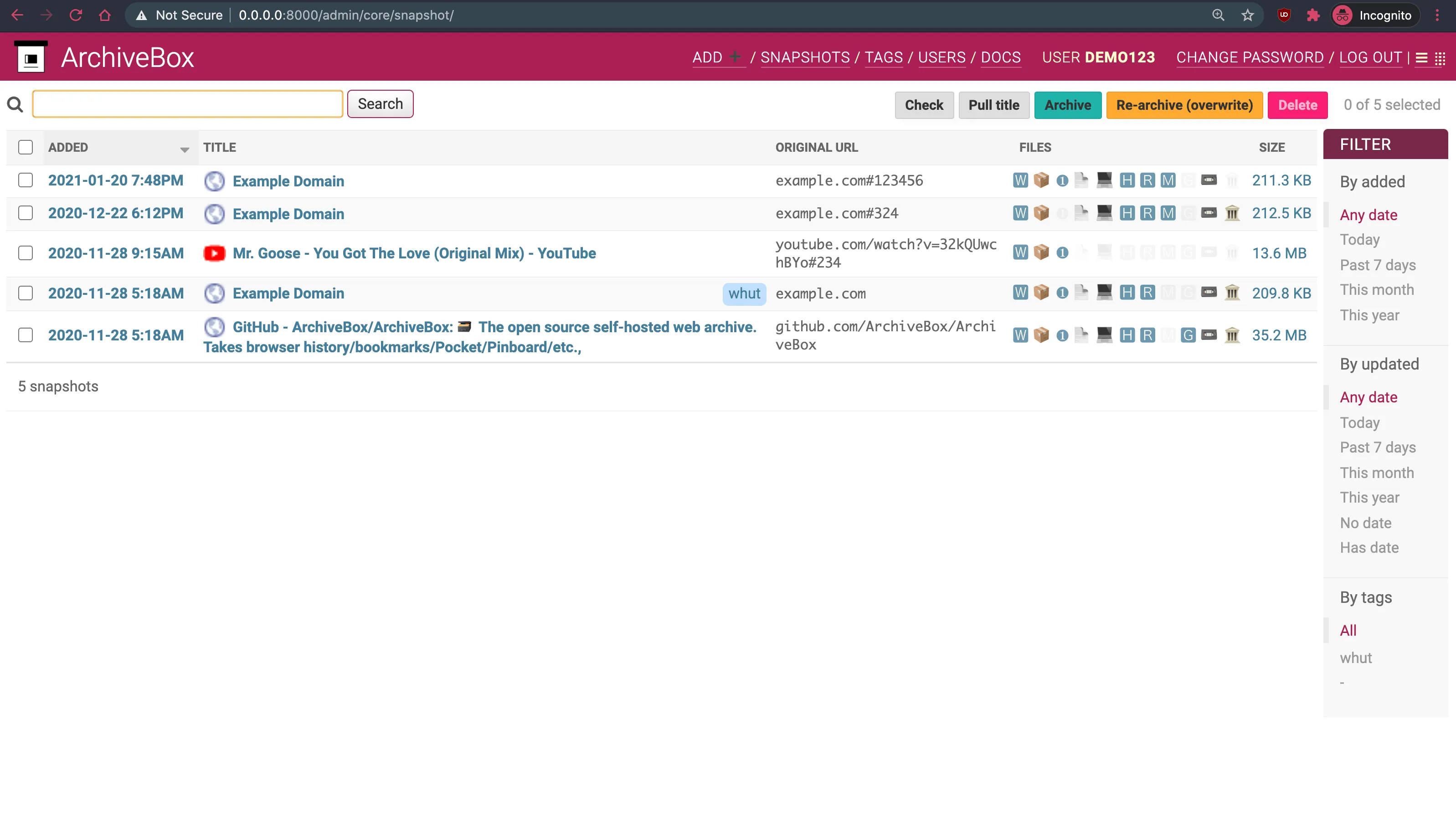 archivebox UI
Not in Caprover’s app store; I installed from Docker Hub. Works like web.archive.org — lets you snapshot a site at a given date. Saves the page as HTML, PDF, plain text, etc. — protects against deletion. I also save important bookmarks here to protect them from going away.
Set ALLOW_ROOT = true as an Environment value, and bind the container’s /data folder to a persistent folder.
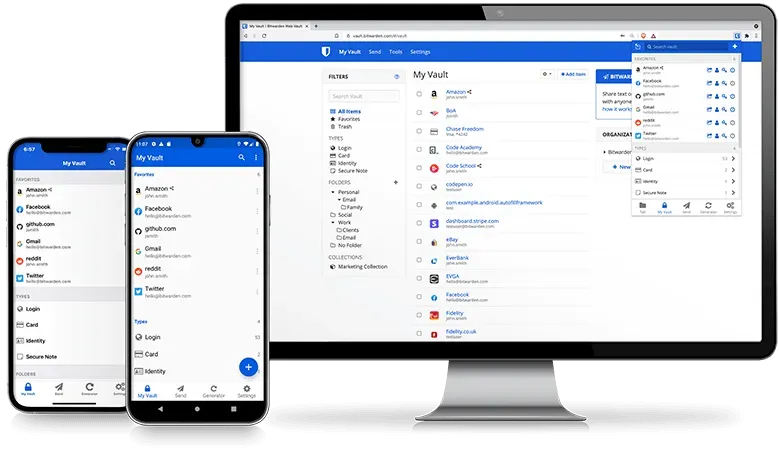
The open-source password manager Bitwarden ported to Rust to require fewer resources. Stores your passwords securely without handing them to someone else. If you want others to use it too, you can leave signups open. When LastPass started restricting its plans I deleted my account there and moved here. You can easily import backups from other password managers.
After first install, even though it’s not in Environment by default, setting SIGNUPS_ALLOWED to false blocks new signups. Also if you set ADMIN_TOKEN to a 48-character base64 value (generate with openssl rand -base64 48), you can log into the admin panel at https://bitwarden.youraddress/admin. Bind /data to a persistent folder again.
Caprover has it as a one-click app, but the bitnami image bundled there is on Ghost 3. I installed Docker’s own official image myself. The blog you’re reading runs on it.
For install, just add a url value in Environment. They recommend using an external database; I added database__client, database__connection__host, database__connection__user, database__connection__password, and database__connection__database values.
To keep changes from being wiped, also bind /var/lib/ghost/content to a persistent folder.
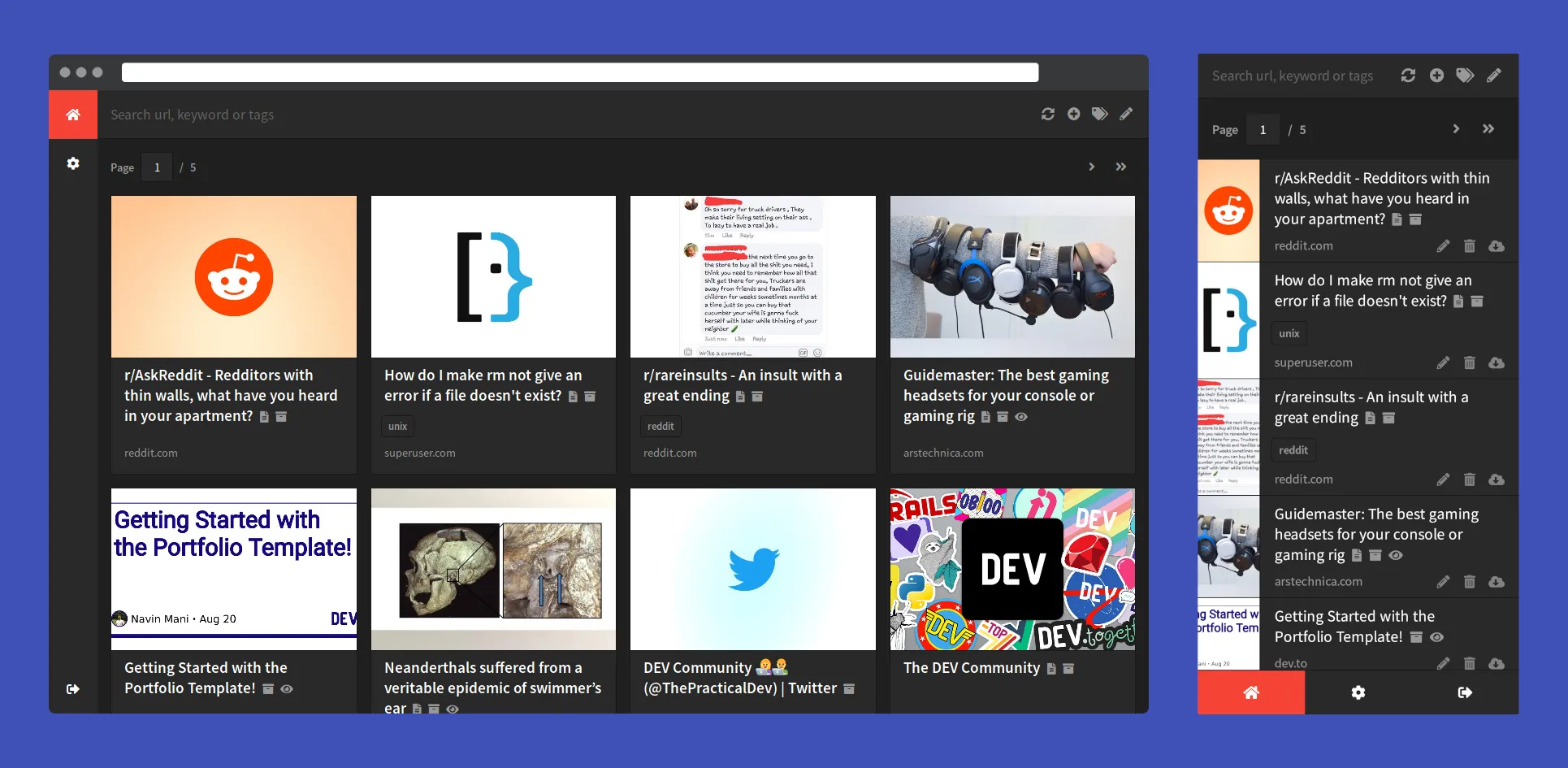
Shiori is a bookmark manager, written as an alternative to Pocket. Not in Caprover’s store; I installed from Docker Hub. I was looking for something to categorise my bookmarks and build an archive, but this didn’t quite meet my expectations.
Set Environment SHIORI_DIR to /data and bind /data to a persistent folder.
Cloudplow is another Docker image I installed myself that isn’t in Caprover’s built-in apps. It runs on the command line, no GUI. Periodically scans rtorrent’s completed-downloads folder and uses rclone (a file-transfer tool that talks to many cloud providers) to push files to the cloud. In my setup it one-way mirrors rtorrent’s completed folder to my Google Drive, so I can grab downloads from there.
Both rclone and cloudplow ship inside this image. Configuration depends on your rtorrent install.
A browser-based version of VS Code. Install from Caprover’s apps and use it directly.
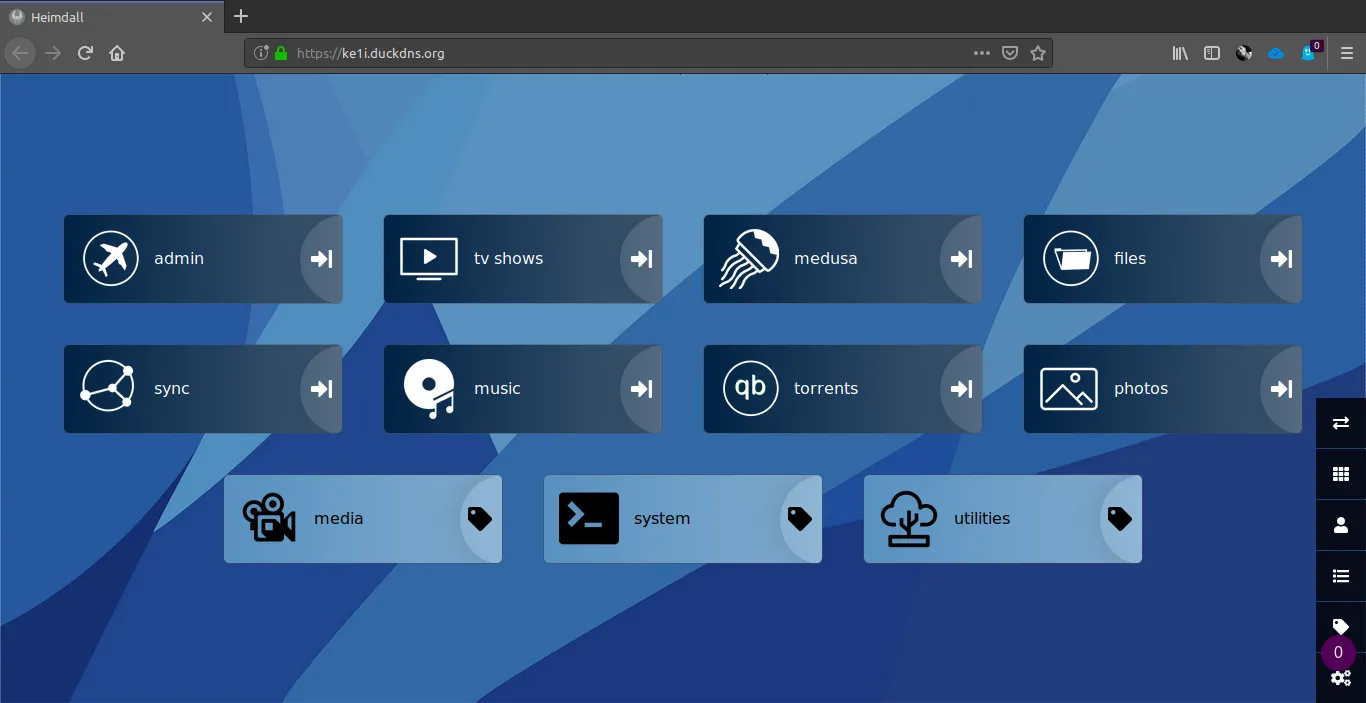
You’ve installed all these apps — how do you find them? That’s where Heimdall comes in. You register the apps you host on Docker into it and use it as a homepage or panel. It also pulls upload/download rates from apps like rtorrent.
Not in Caprover’s built-in apps, but you can pull the linuxserver/heimdall image from Docker Hub. The only requirement is binding /config to a persistent folder so info isn’t lost on restart.
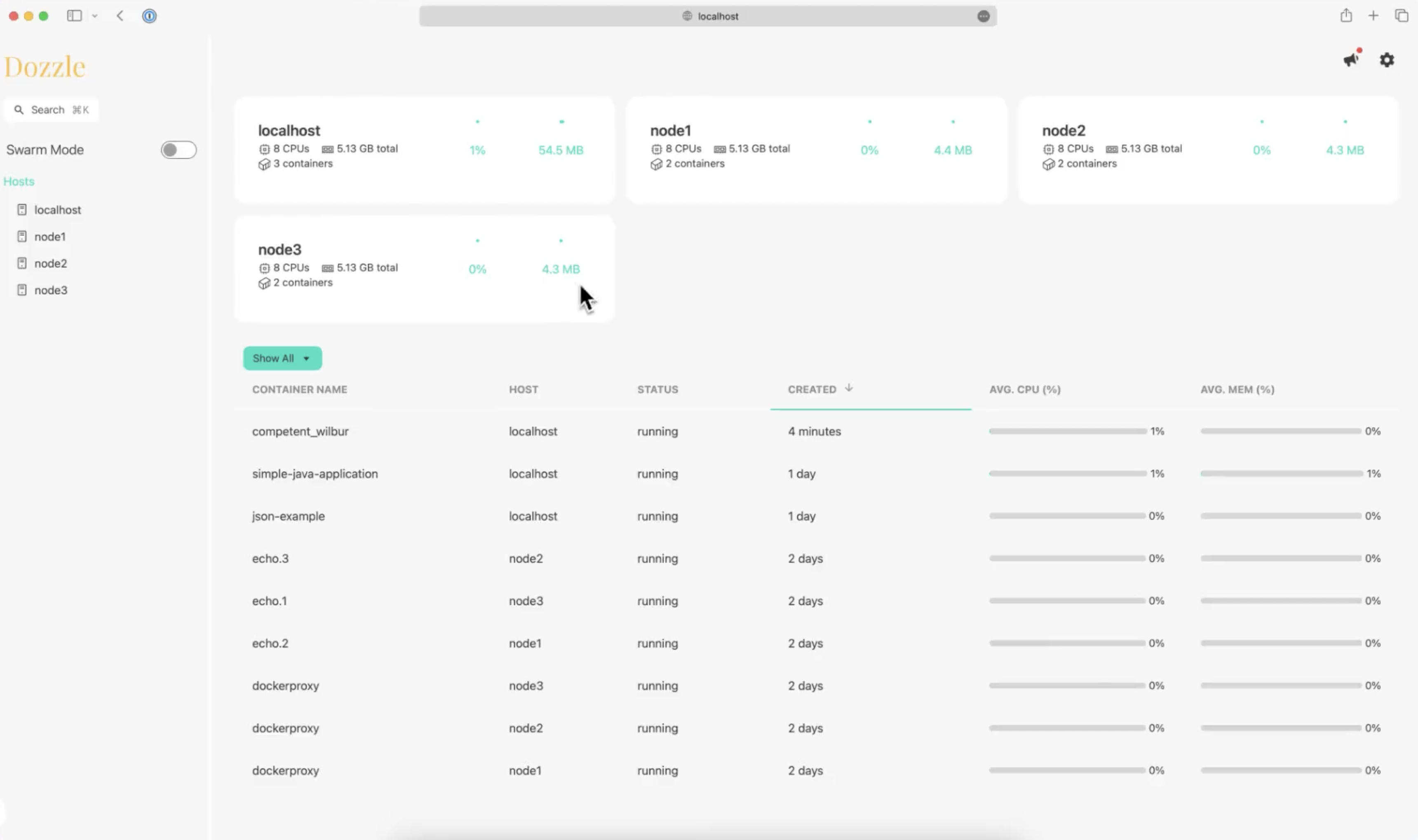 dozzle UI
Dozzle lets you view logs from running Docker containers. Caprover’s UI can do this too, but Dozzle is purpose-built for it and does it very well.
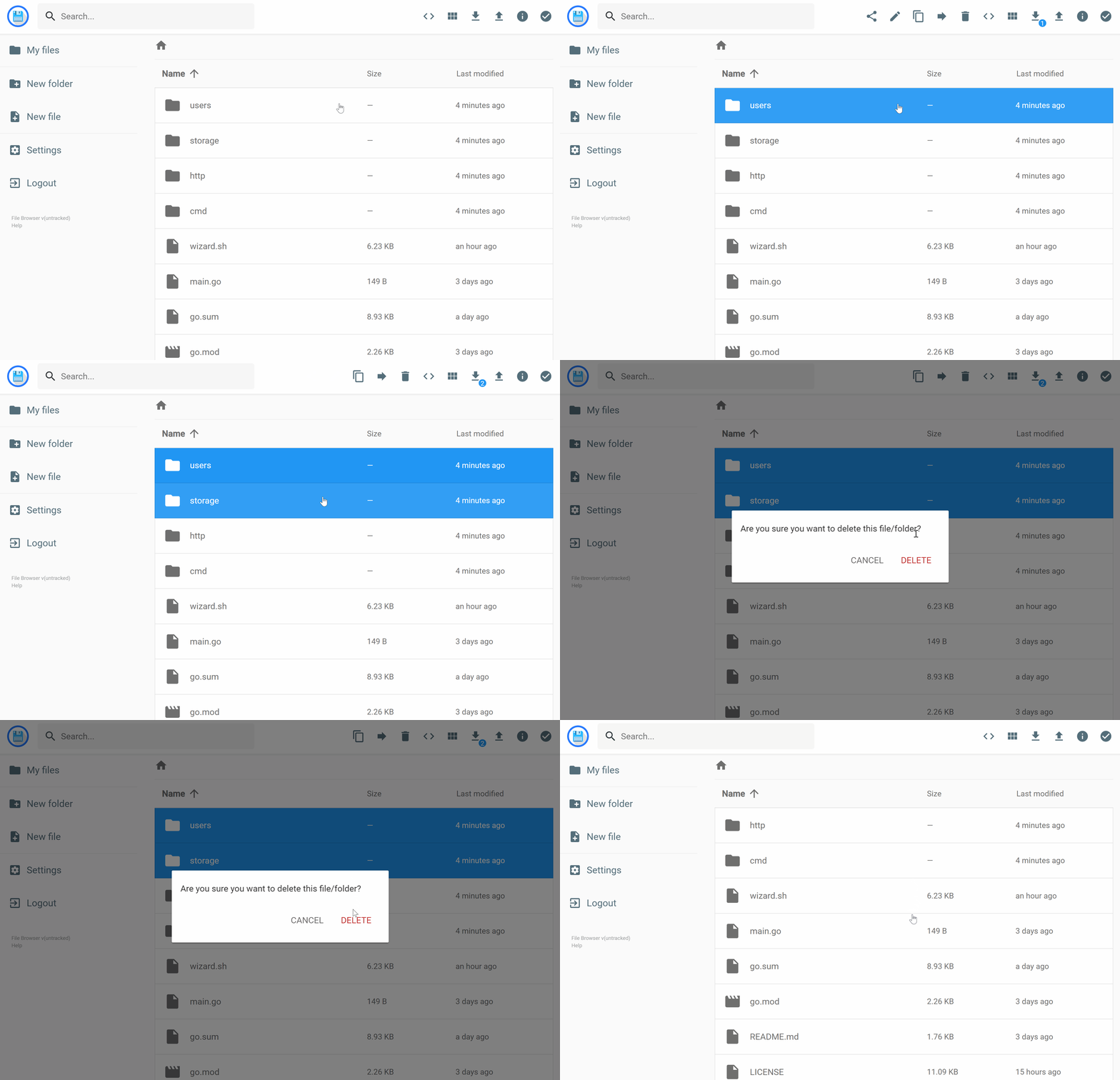
A really good app for managing the folders you persistently bind to Docker containers. Like a cloud storage service: file compression, playing video files from the browser, file sharing. You can create multiple users with different permissions.
The mail server included in Caprover’s built-in apps. Useful both for letting your Caprover-hosted containers send mail and for running your own email server.
A mail.yourdomain.com subdomain is all you need; Caprover handles the rest. For me though it used too much CPU even when idle for reasons I couldn’t pin down, so I stopped using it.
 Metube UI
A Docker image that adds a GUI to the famous youtube-dl package. Lets you download YouTube videos in one click. The only requirement is binding the container’s /downloads folder to wherever you want to save the videos.
Beyond these images, some other Docker containers I actively use:
- pgweb
- plex
- portainer
- rapidleech
- rutorrent
- shaarli
- swirl
- ttrss
- wallabag
- pottava/docker-webui